
Ghibli Photo Editor
Turn any photo into Studio Ghibli-style art with one AI filter
Upload a selfie, pet or landscape photo, keep the Ghibli style selected and download the result. Works in your browser on desktop or phone. Sign in to generate; new accounts get 1 free credit.
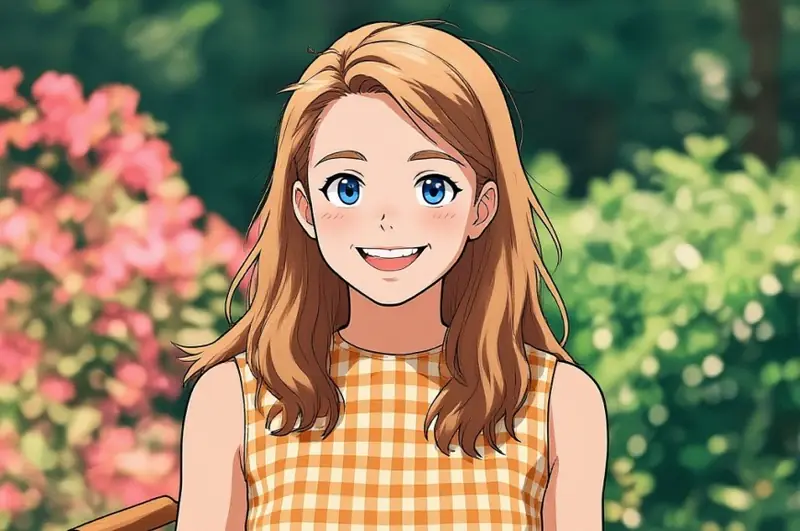 After
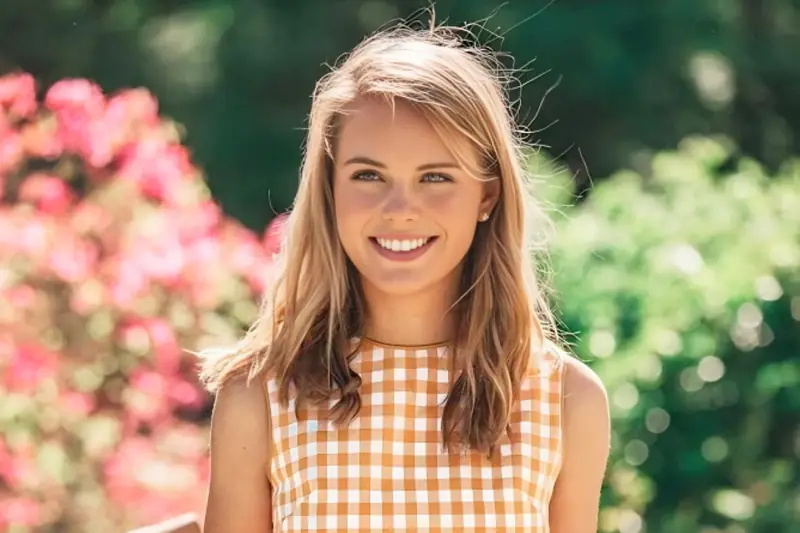 Before
Try with one of these
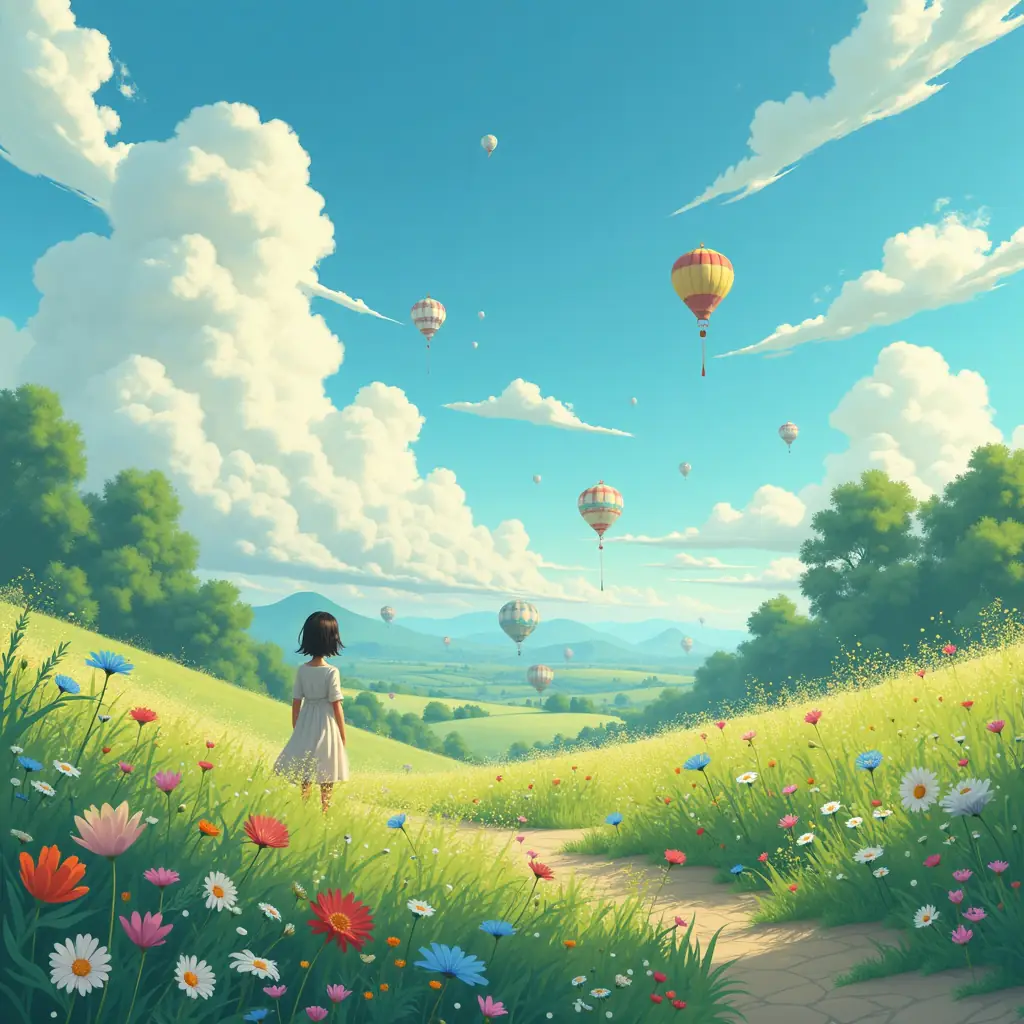
Ghibli filter for your photos
Pick a photo, choose the Ghibli style, and the AI redraws it as Studio Ghibli-inspired art. It works with many kinds of photos:
- Selfies and portraitsTurn a selfie or portrait into a Ghibli-style character drawing, for example for a profile picture.
- PetsUpload a photo of your cat, dog or other pet and get it back in a Ghibli-inspired look.
- Landscapes and travel photosTurn countryside, sea, mountain or city views from your trips into Ghibli-style scenery.
- Couples, friends and street scenesCouple shots, group photos and street snapshots can go through the same filter.
How to change a photo to Ghibli style in 3 steps
Everything happens on this page. No app to install and no prompt to write.
Use it like a Ghibli app on your phone
Ghibli Photo Editor is a website, not an app. It works in your phone browser, so there is nothing to download.
No app download
Open ghibliphotoeditor.com in Safari, Chrome or another modern mobile browser and start right away.
Photos in, images out
Tap the upload box to pick a photo from your phone's gallery or files, then download the result straight to your phone.
One account on every device
Sign in with the same account on your phone and computer. Your credits belong to your account, not to the device.
Why Choose Ghibli Photo Editor?
Explore the unique capabilities and benefits of our photo editing tool.
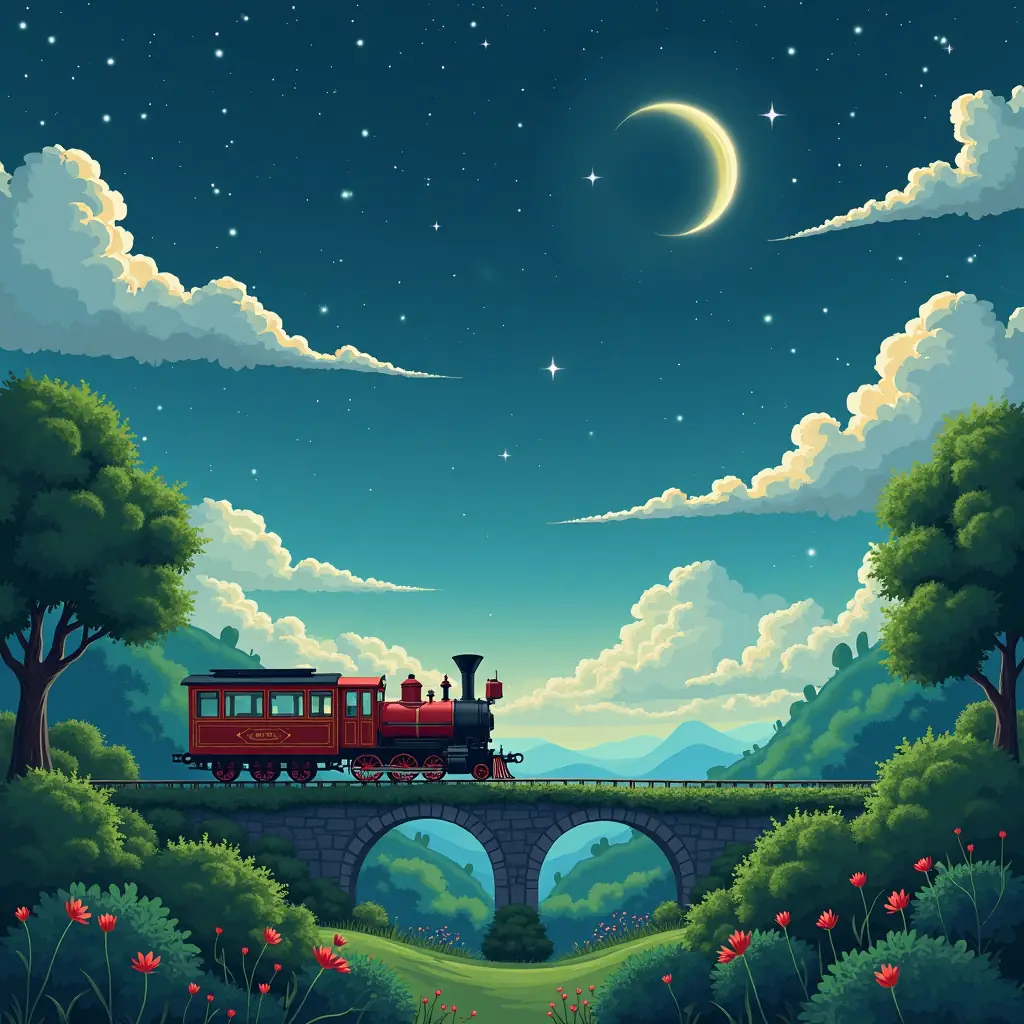
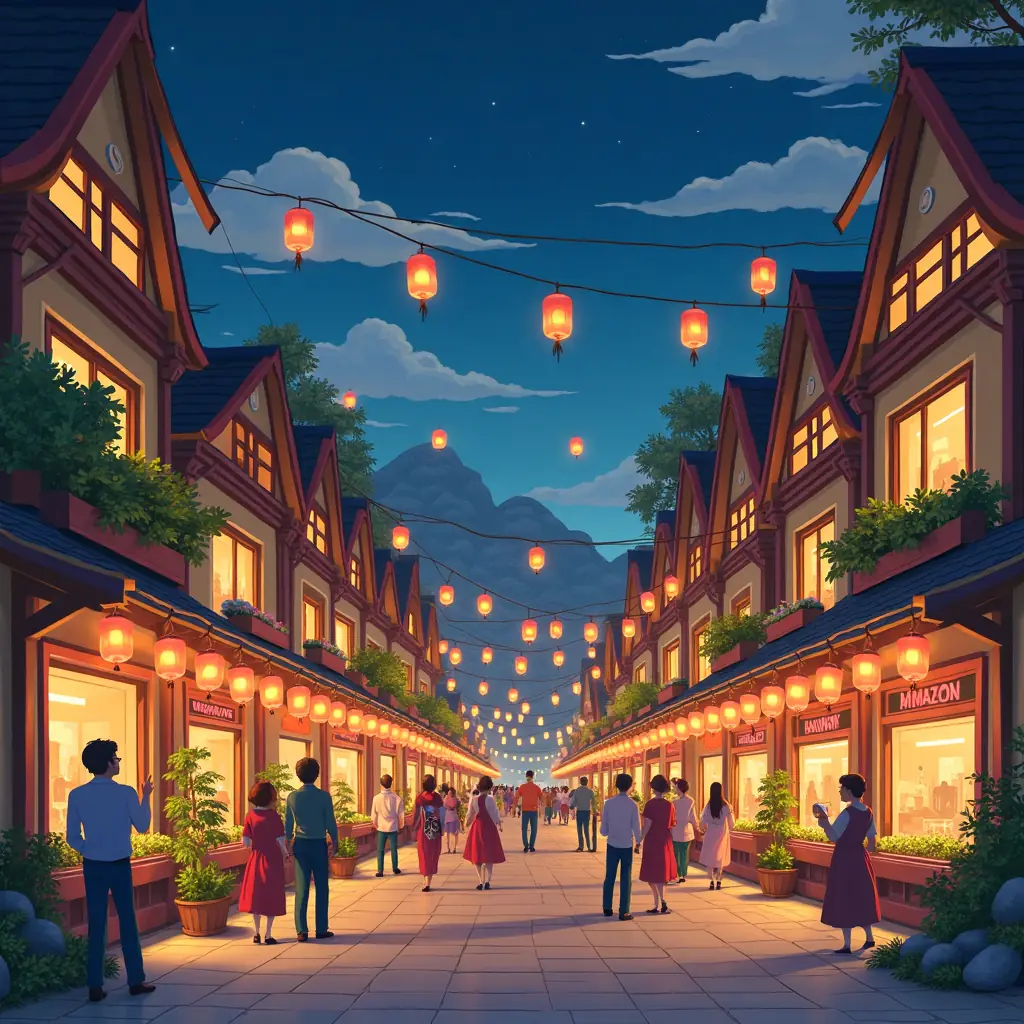
Features of Ghibli Photo Editor
Explore the top features of the Ghibli Photo Editor.
Ghibli Style Filter
AI redraws your photo as Studio Ghibli-inspired art. No prompt needed.
Optional Instructions
Add a short text instruction to guide the result if you want more control.
More Art Styles
The same photo can also be turned into Disney, Clay, Game CG, Sketch, Pixel Art or Action Figure style.
Portrait Magic
Convert selfies into Ghibli-style character portraits.
Photo Editing Tools
The Editor tab has a background remover, upscaler, colorizer, text remover and photo restorer.
PNG Download
Save results as PNG. Images from the free credit are made at 512px; after your first purchase, at up to 1024px.
Pricing
New accounts get 1 free credit (one image at 512px). Need more? Choose a one-time credit pack: 1 credit = 1 image.
Starter
$0.7 / image
10 credits
- 10 credits
- High resolution output
- Access to all premium styles
- Priority support
Perfect for beginners!
Pro
$0.5 / image
20 credits
- 20 credits
- One time purchase
- Access to all premium styles
- High-resolution output
- 24/7 support
Best value!
Try Now
$2.9 / image
1 credit
- One time purchase
- Email support
Try Studio Ghibli AI Now
Frequently Asked Questions
Answers to common questions about Ghibli Photo Editor.
What is Ghibli Photo Editor?
Ghibli Photo Editor is an online AI tool that redraws your photos in a Studio Ghibli-inspired art style. It also offers other styles and simple editing tools such as background removal and upscaling.
Is there a free Ghibli filter?
Partly. Every new account gets 1 free credit, which is enough for one Ghibli image at 512px. You need to sign in to use it, and it expires one year after sign-up. After that, each image costs 1 credit, and credits are sold in one-time packs (see Pricing). There is no free option without an account.
Do I need to download an app?
No. Ghibli Photo Editor runs in your web browser on a computer, tablet or phone. There is no app to install.
Can I turn a selfie or pet photo into Ghibli style?
Yes. Upload a selfie, portrait, pet photo or landscape, keep the Ghibli style selected and press Generate.
How does Ghibli Photo Editor work?
Upload a photo, choose a style and press Generate. AI image models process your photo on our servers, and the result appears on the page, ready to download.
Is Ghibli Photo Editor affiliated with Studio Ghibli?
No. Ghibli Photo Editor is an independent tool. It is not affiliated with, endorsed by or sponsored by Studio Ghibli. "Ghibli" is used only to describe the art style.
Can I use the images commercially?
Ghibli Photo Editor can be used for personal projects, but commercial use may require additional permissions. Please read our Terms of Service before using generated images commercially.
What image quality works best with Ghibli Photo Editor?
High-resolution images with clear details produce the best results.
How do I save my image?
Press Download under the result to save it as a PNG file on your device.
How do I get support if I face issues with Ghibli Photo Editor?
Email us at [email protected].
Try Ghibli Photo Editor Today
Transform your photos into enchanting Studio Ghibli-style artworks with our one-of-a-kind AI-powered photo editor.